Video to MP3

Get the sound of a video as an MP3. Works with MP4, MOV and WebM, right in your browser, with nothing uploaded.

Save as
or drop them here MP3, WAV, M4A, AAC, OGG, OPUS, FLAC, WebM, and the sound of MP4 or MOV videos

    Your files are processed in your browser. Nothing is uploaded.

    Voice Recorder for Chrome: record while you work in other tabs

    Our free Chrome extension records in Chrome’s side panel, so it keeps going while you work in other tabs. It saves as it records, so a crash or a closed browser loses only the last few seconds.

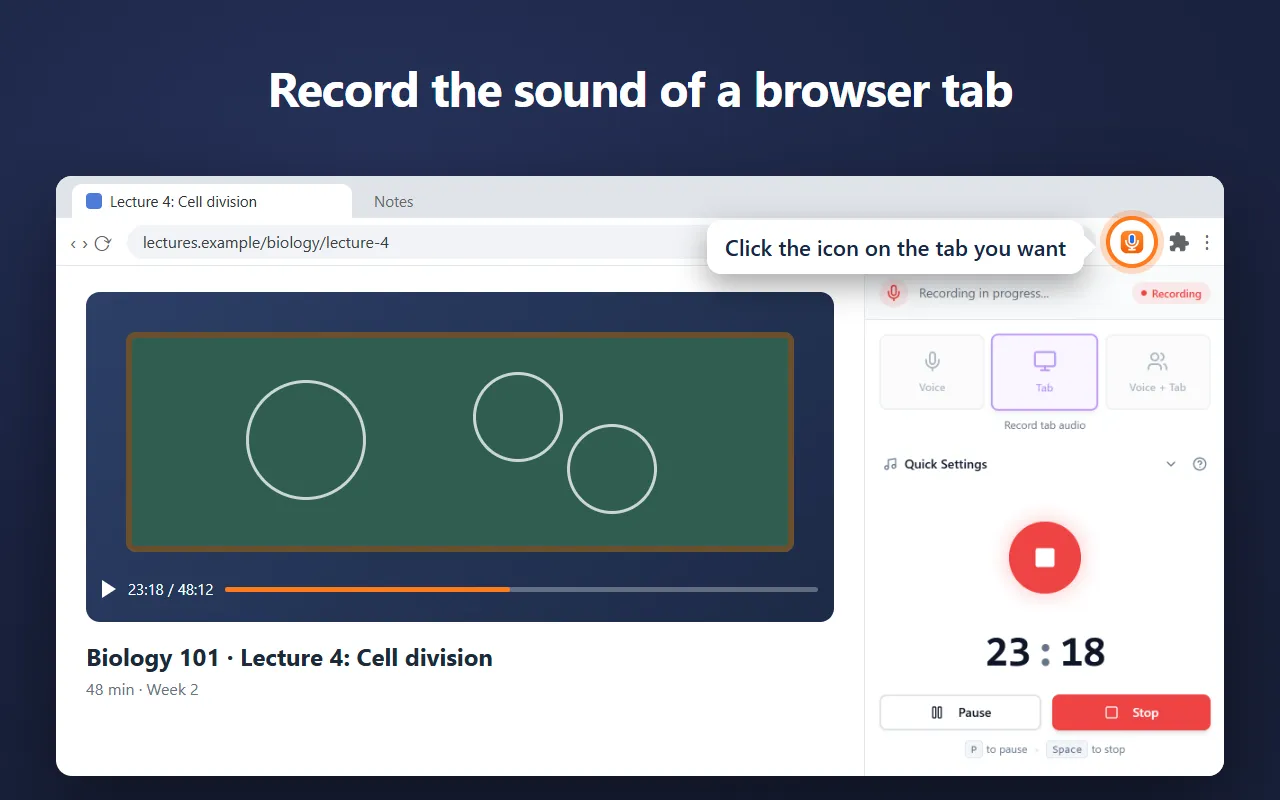
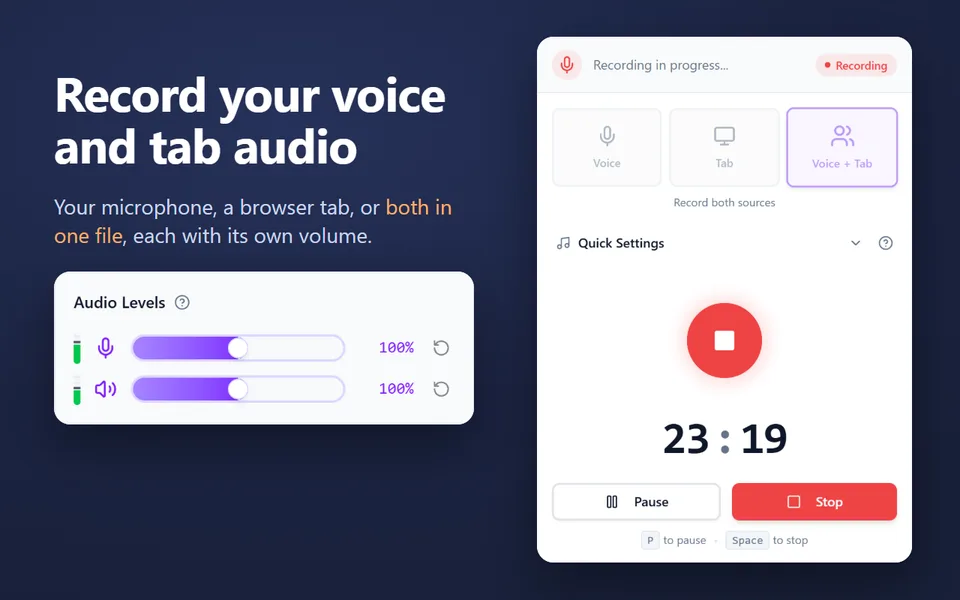
    • Records your microphone, the sound of a browser tab, or both in one file
    • Records your computer’s sound on Windows and macOS 14.2 or later
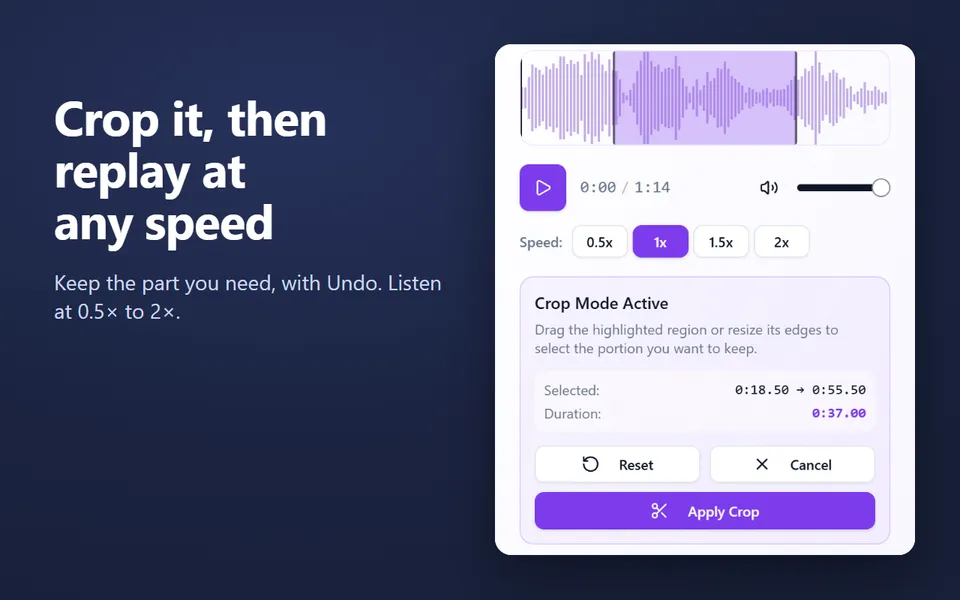
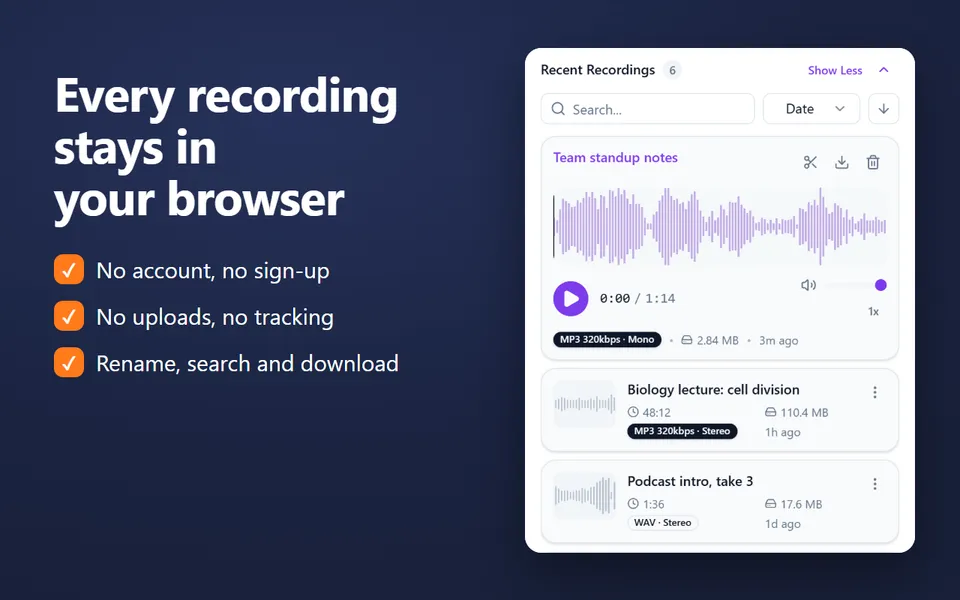
    • A library of your recordings: rename, search, crop, play at 0.5×–2× and download
    • MP3 up to 320 kbps, WAV or WebM, with pause and resume
    • No account. Nothing is uploaded.
    Add the extension to Chrome

    Free · 40,000 users · rated 4.8 in the Chrome Web Store
    For Chrome on Windows, Mac, Linux and Chromebooks.

    Voice Recorder in Chrome’s side panel, recording the sound of a lecture in a tab

    How to convert a video to MP3

    1. Click Choose files, or drop your videos on the box.
    2. Keep MP3 and pick a quality.
    3. Wait a moment: each file is converted in your browser, with progress shown next to it.
    4. Click Download next to each finished file.

    About video files

    A video file holds its sound as a separate audio track. MP4, MOV and WebM videos work here, which covers phones, cameras, screen recorders and most downloads. Use it for a lecture you filmed, an interview, a talk, or the soundtrack of a screen recording.

    Only the sound is kept; the picture is dropped. The MP3 is a fraction of the video’s size.

    Quality and size

    Choose 128 kbps for speech, 192 kbps (the default) for most music, or 320 kbps for the best quality. MP3 is lossy: converting can’t add quality the original didn’t have. The result is about 1.4 MB a minute at 192 kbps.

    Private by design

    Converters that upload your file keep a copy on someone else’s server, at least for a while. Here the conversion happens on your device, with your browser’s own audio decoders and an MP3 encoder that runs in the page. Nothing is uploaded, and it works on Windows, Mac, Linux and Chromebooks.

    More converters

    Need only part of the sound? Cut it with the audio trimmer.

    Questions and answers

    Is this Video to MP3 converter free and safe?

    Yes. It’s free, with no sign-up and no watermark. Your videos are converted by your browser on your device and never uploaded, so nobody else sees them.

    Which video formats can I use?

    MP4, MOV and WebM, the formats phones, Macs and browsers save. Formats your browser can’t play, such as some AVI or WMV files, can’t be read here.

    Can I convert several files at once?

    Yes. Choose or drop as many as you like. They convert one after another, and each gets its own Download button.

    How large can a file be?

    The whole file is read into your browser’s memory, so very large files depend on your device. Audio up to about an hour, and videos up to a few hundred megabytes, work well on most computers.

    More free extensions from our team

    Small tools for Chrome that do one job well.