How to convert MOV to MP3
- Click Choose files, or drop your MOV files on the box.
- Keep MP3 and pick a quality.
- Wait a moment: each file is converted in your browser, with progress shown next to it.
- Click Download next to each finished file.
About MOV
MOV is Apple’s QuickTime video format. iPhones, iPads and Macs save videos as MOV, usually with AAC sound. Convert a MOV when you need just the sound of an iPhone video: a voice note you filmed, a lecture, a meeting.
Only the sound is kept, so a large iPhone video becomes a small MP3.
Quality and size
Choose 128 kbps for speech, 192 kbps (the default) for most music, or 320 kbps for the best quality. MP3 is lossy: converting can’t add quality the original didn’t have. The result is about 1.4 MB a minute at 192 kbps.
Private by design
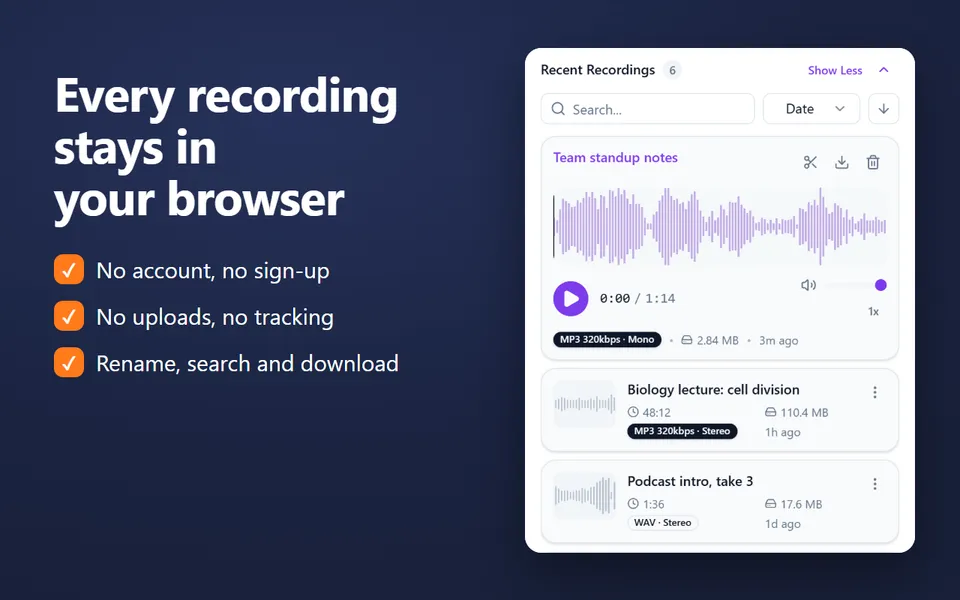
Converters that upload your file keep a copy on someone else’s server, at least for a while. Here the conversion happens on your device, with your browser’s own audio decoders and an MP3 encoder that runs in the page. Nothing is uploaded, and it works on Windows, Mac, Linux and Chromebooks.
More converters
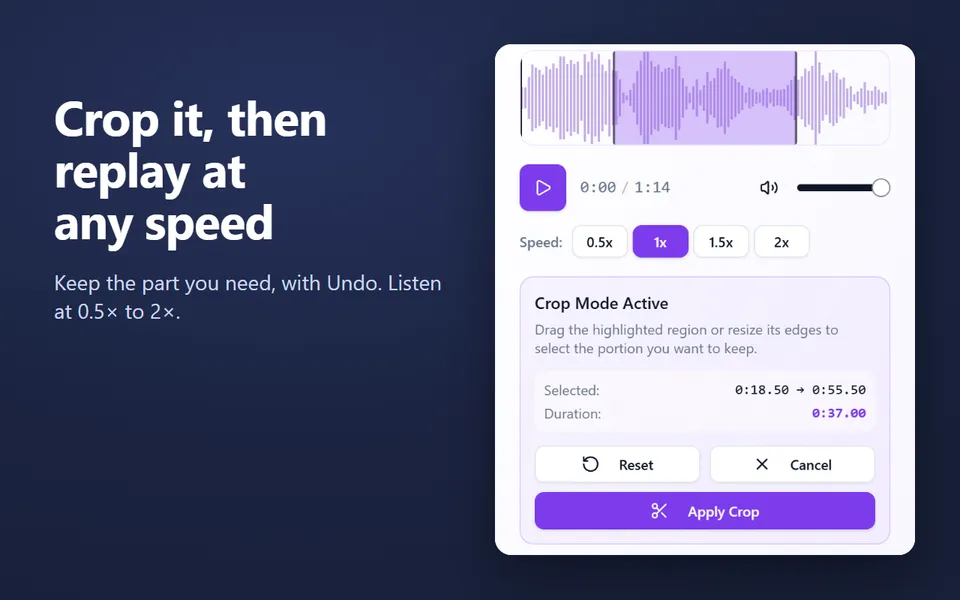
Need only part of the sound? Cut it with the audio trimmer.