Decibel Meter

Measure how loud it is around you with your microphone: the live level in decibels, minimum, average and maximum, and the last minute as a graph.

Allow the microphone to start measuring.

–dB

Min
–
Average
–
Max
–

Last 60 seconds

The sound is measured in your browser. Nothing is recorded or uploaded.

Voice Recorder for Chrome: record while you work in other tabs

Our free Chrome extension records in Chrome’s side panel, so it keeps going while you work in other tabs. It saves as it records, so a crash or a closed browser loses only the last few seconds.

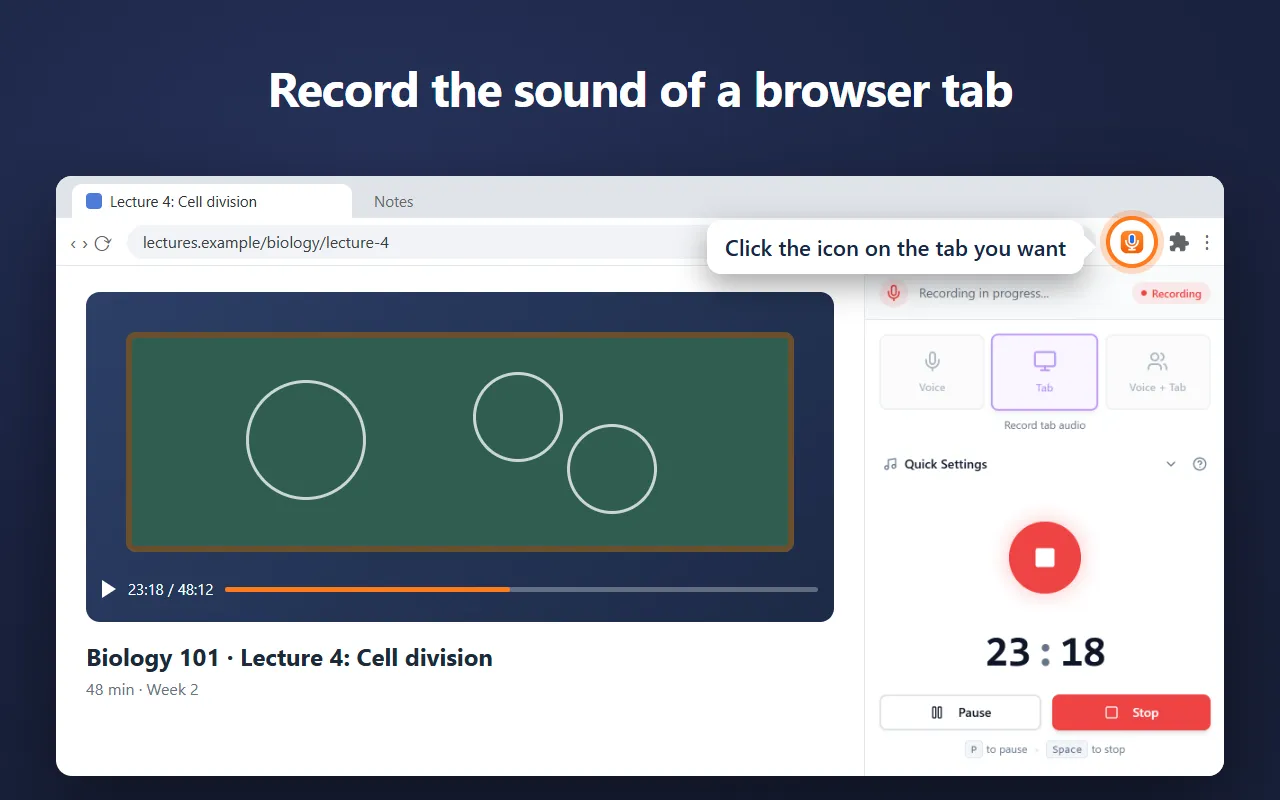
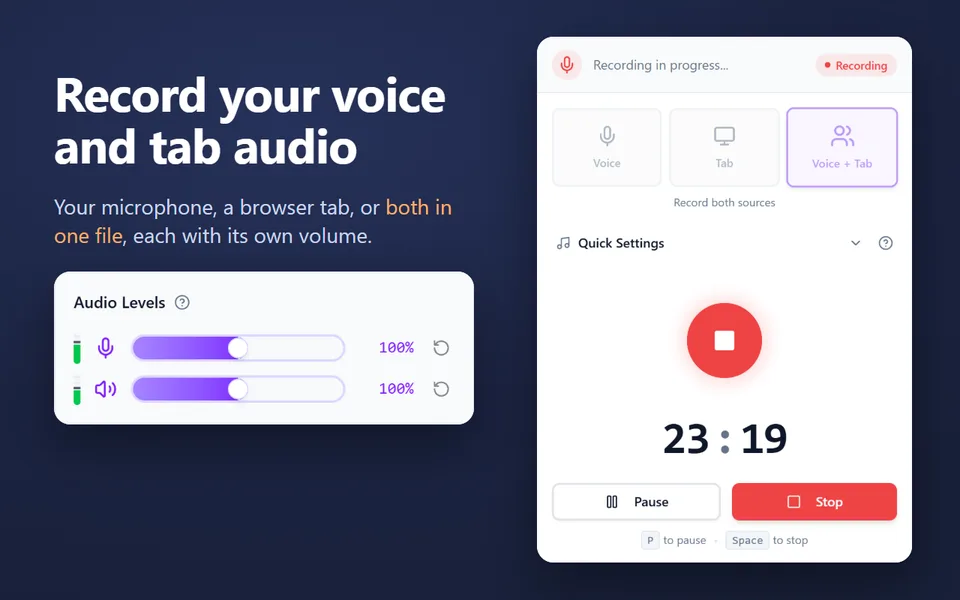
  • Records your microphone, the sound of a browser tab, or both in one file
  • Records your computer’s sound on Windows and macOS 14.2 or later
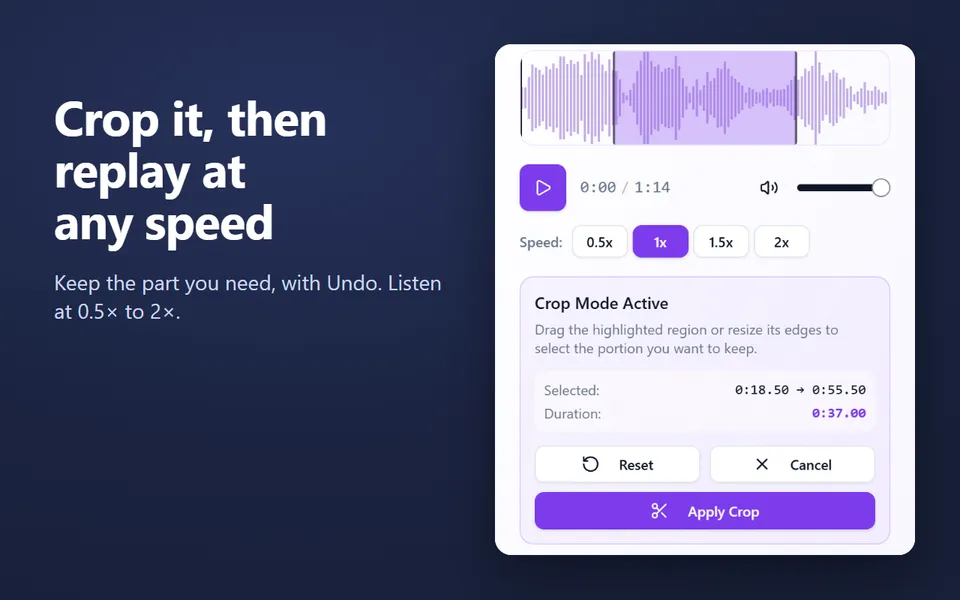
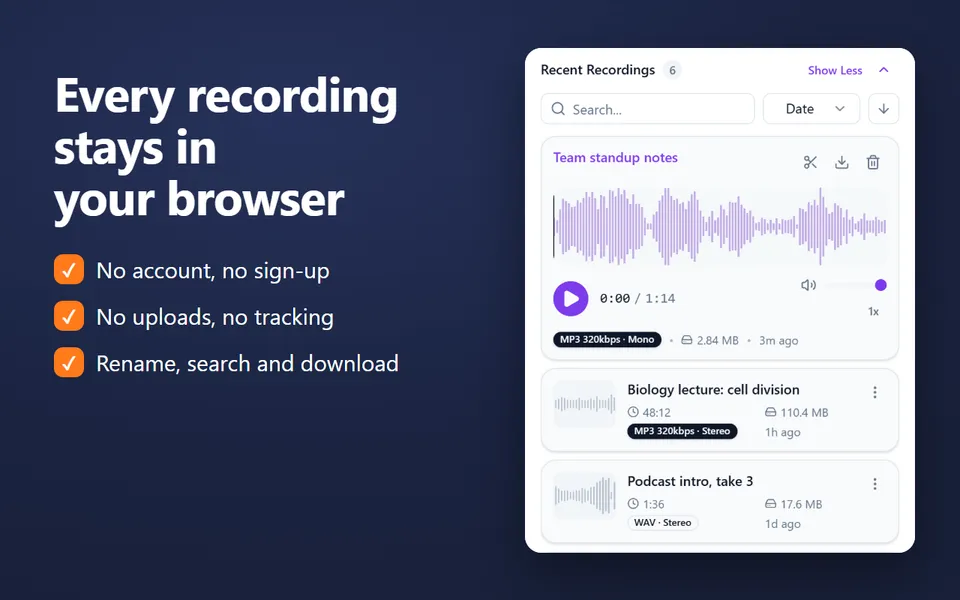
  • A library of your recordings: rename, search, crop, play at 0.5×–2× and download
  • MP3 up to 320 kbps, WAV or WebM, with pause and resume
  • No account. Nothing is uploaded.
Add the extension to Chrome

Free · 40,000 users · rated 4.8 in the Chrome Web Store
For Chrome on Windows, Mac, Linux and Chromebooks.

Voice Recorder in Chrome’s side panel, recording the sound of a lecture in a tab

How to measure noise

  1. Click Start measuring and allow the microphone.
  2. Put the computer or phone where you want to measure, with the microphone uncovered.
  3. Read the live level, and the Min, Average and Max since you started. Reset starts a new measurement.
  4. If you have a reference (another meter, or a sound of known level), move Calibration until the reading matches.

How loud is loud?

Level Sounds like
30 dB Whisper, quiet library
40 dB Quiet room at night
60 dB Normal conversation
70 dB Busy office, vacuum cleaner
85 dB Heavy traffic. Hours of it can harm hearing
100 dB Motorbike, loud concert

Every 10 dB sounds about twice as loud. Long exposure above 85 dB can damage hearing.

How the meter works

The page reads your microphone with the browser’s noise suppression and automatic volume turned off, so they can’t flatten the level. It averages the sound power the way sound level meters do (“fast”, 125 ms) and shows it on a decibel scale. Nothing is recorded.

For classrooms

Teachers: the classroom noise meter adds a “too loud” limit, colours the number green, amber or red, and fills the screen for a projector.


Questions and answers

How accurate is an online decibel meter?

It’s an estimate. Microphones differ by several decibels, and browsers can’t read a microphone’s sensitivity. For a better reading, set the calibration against a sound level meter you trust. For workplace safety or legal measurements, use a certified meter.

Why is the reading different on another device?

Each microphone hears sound at a different level. Calibrate each device separately; the setting is remembered in this browser.

Is this dBA?

No. The reading is unweighted: every pitch counts the same. Readings in dBA, which weight sound as the ear hears it, are lower for low, rumbling noise, sometimes by a lot.

Is the sound recorded?

No. The level is measured in your browser and the sound is never stored or uploaded.

More free extensions from our team

Small tools for Chrome that do one job well.