Speaker Test

Check that your speakers play on the right side, in stereo, with bass and highs. Free, in your browser, with no microphone needed.

Left and right
Frequency range
Polarity

Start with the volume low. Each sound should come from the side that lights up.

The test sounds are made in your browser. No microphone is used.

Voice Recorder for Chrome: record while you work in other tabs

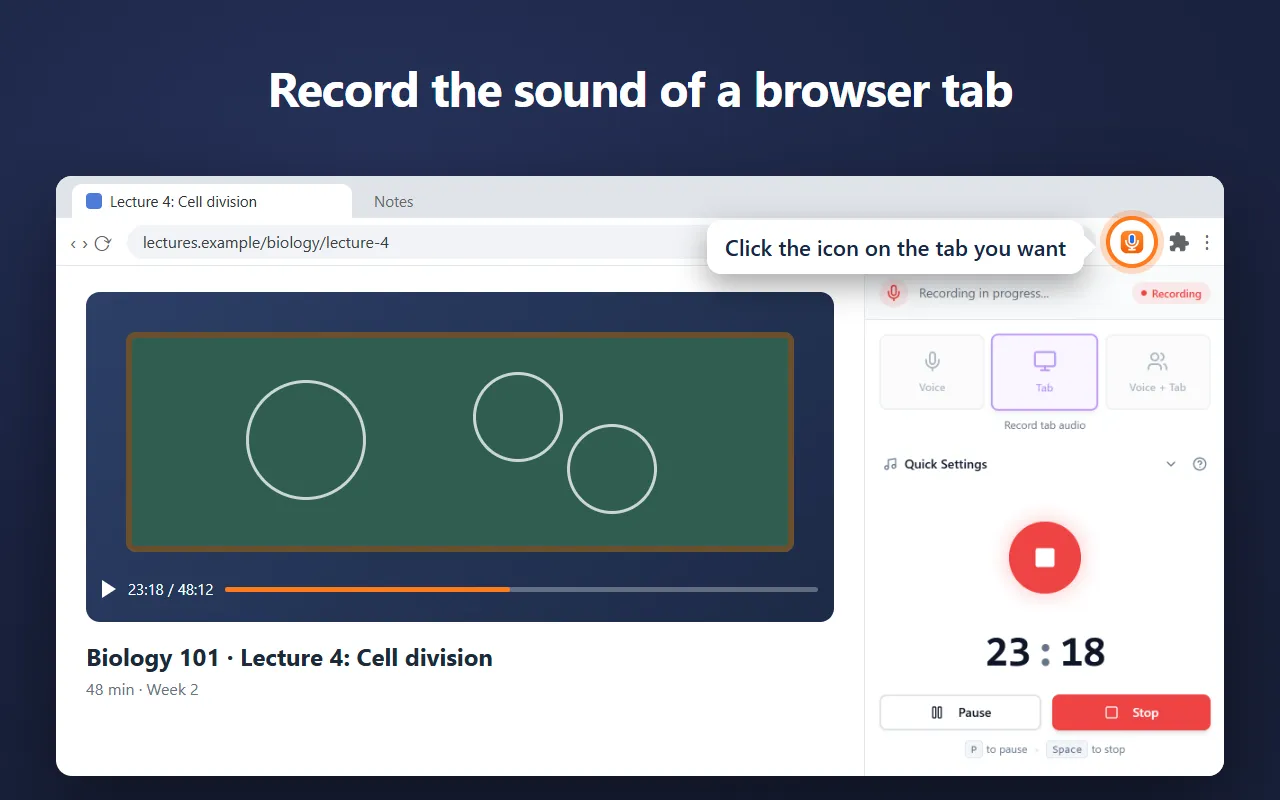
Our free Chrome extension records in Chrome’s side panel, so it keeps going while you work in other tabs. It saves as it records, so a crash or a closed browser loses only the last few seconds.

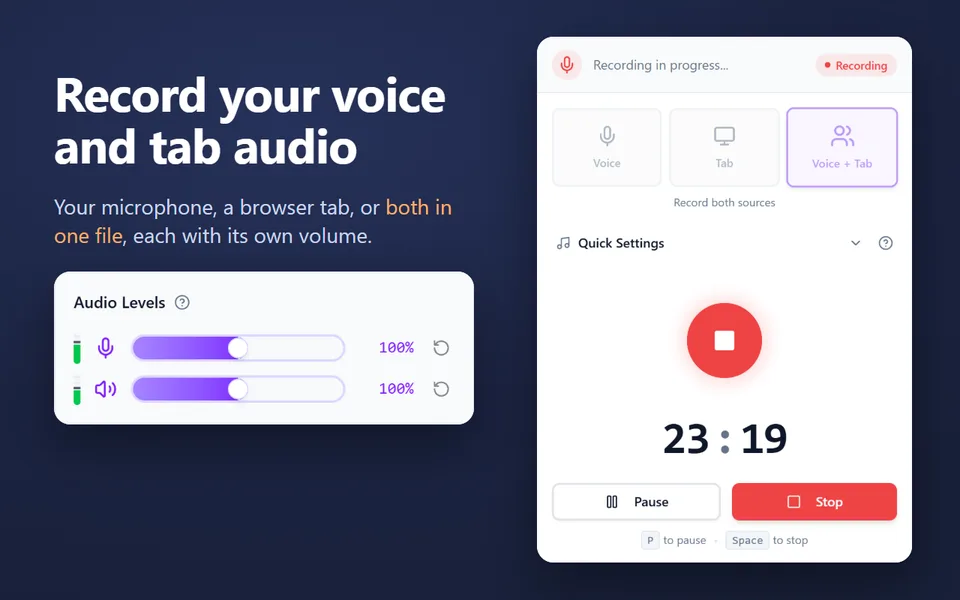
  • Records your microphone, the sound of a browser tab, or both in one file
  • Records your computer’s sound on Windows and macOS 14.2 or later
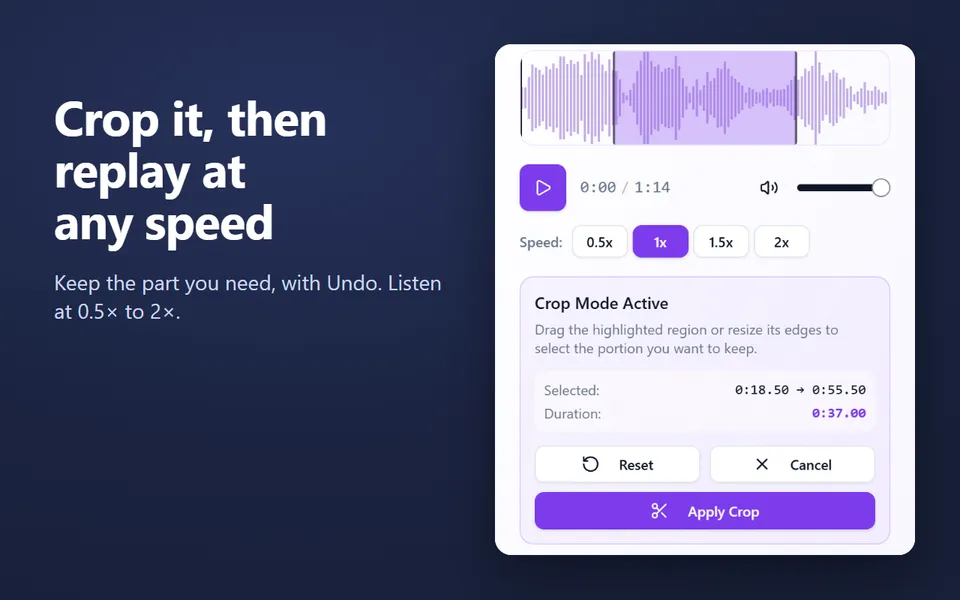
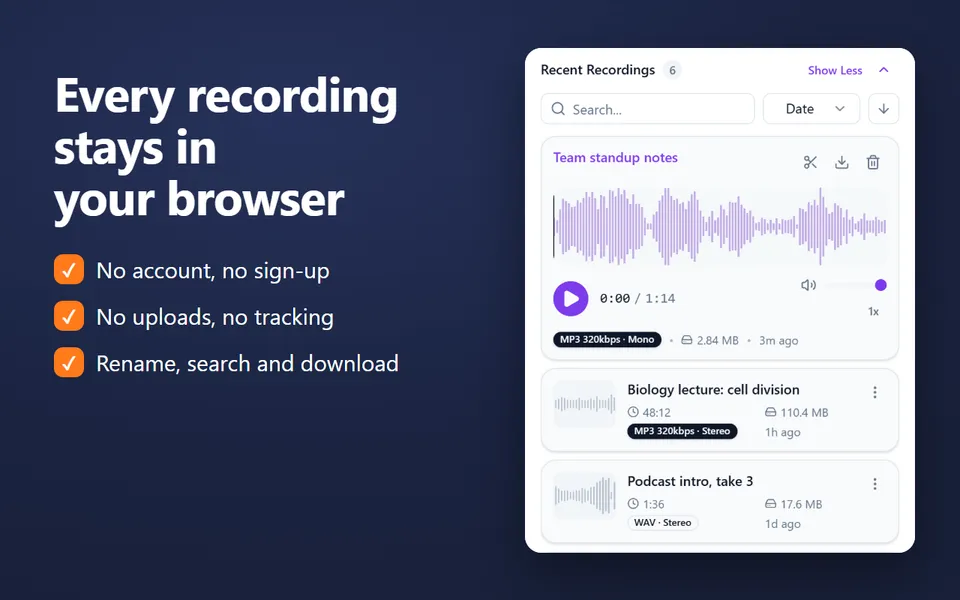
  • A library of your recordings: rename, search, crop, play at 0.5×–2× and download
  • MP3 up to 320 kbps, WAV or WebM, with pause and resume
  • No account. Nothing is uploaded.
Add the extension to Chrome

Free · 40,000 users · rated 4.8 in the Chrome Web Store
For Chrome on Windows, Mac, Linux and Chromebooks.

Voice Recorder in Chrome’s side panel, recording the sound of a lecture in a tab

How to test your speakers

  1. Turn the volume down, then click Left. Three beeps should come from the left speaker only.
  2. Click Right, then Both: the sound should move to the right, then sit in the middle.
  3. Click Left, right, left… to hear the sound jump between the sides.
  4. Play the Sweep to hear the full range, and Bass to check the low end.

What the tests tell you

Test Listen for If it’s wrong
Left / Right Sound only on that side Swap the cables, or check the balance in your sound settings
Both Sound centred between the speakers One speaker is louder: check the balance or its volume knob
Sweep A smooth rise from deep to very high Rattles or buzzes at one pitch point to a loose part
Bass Steps at 30, 40, 50, 60, 80 and 100 Hz Small speakers can’t play the lowest steps; that’s normal
Polarity In phase sounds fuller and centred Out of phase sounding fuller means one speaker’s wires are swapped

Testing headphones

Headphones use the same tests. See the headphone test for what to listen for in each ear.

Check your microphone too

Speakers sorted? Make sure your microphone works with the mic test, then record with the online voice recorder.


Questions and answers

How do I test left and right speakers?

Click Left: you should hear three beeps from the left speaker only, and the left box lights up. Then click Right. If the sides are swapped, swap the cables or the speakers.

What does the sweep show?

It glides from 20 Hz to 20 kHz in 12 seconds. Listen for where the sound fades in at the bottom and out at the top: that is the range your speakers and your ears reach. Laptop speakers often start around 150 to 200 Hz.

What is the polarity test for?

When both speakers are wired right, In phase sounds solid and centred, and Out of phase sounds thin and hard to place. If Out of phase sounds fuller instead, one speaker is wired backwards: swap the red and black wires on one of them.

Does it use my microphone?

No. The test sounds are generated in your browser and only played. To check a microphone, use the mic test.

More free extensions from our team

Small tools for Chrome that do one job well.