Audio Converter

Convert audio and video files to MP3 or WAV in your browser. Several at once, free, and nothing is uploaded.

Save as
or drop them here MP3, WAV, M4A, AAC, OGG, OPUS, FLAC, WebM, and the sound of MP4 or MOV videos

    Your files are processed in your browser. Nothing is uploaded.

    Voice Recorder for Chrome: record while you work in other tabs

    Our free Chrome extension records in Chrome’s side panel, so it keeps going while you work in other tabs. It saves as it records, so a crash or a closed browser loses only the last few seconds.

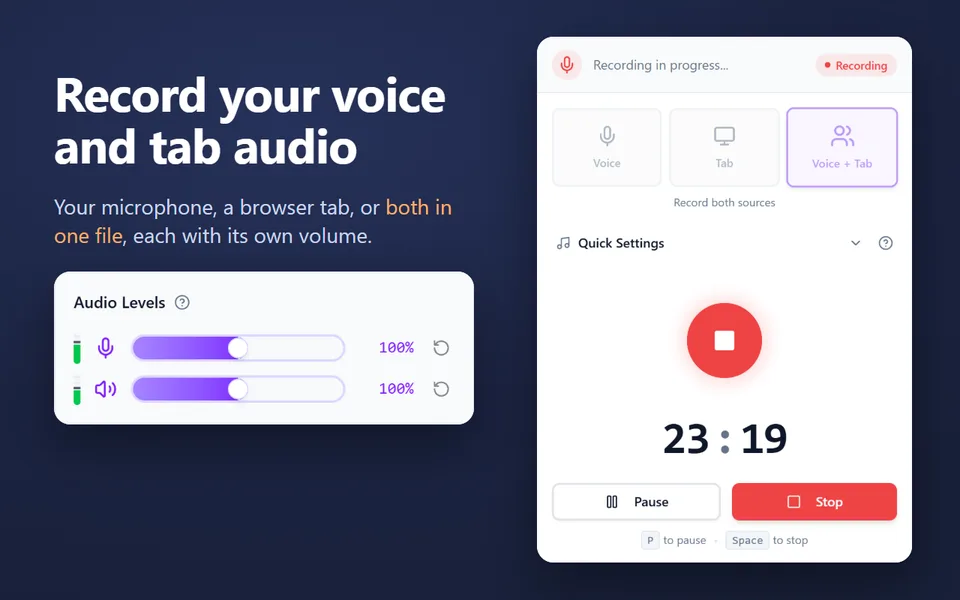
    • Records your microphone, the sound of a browser tab, or both in one file
    • Records your computer’s sound on Windows and macOS 14.2 or later
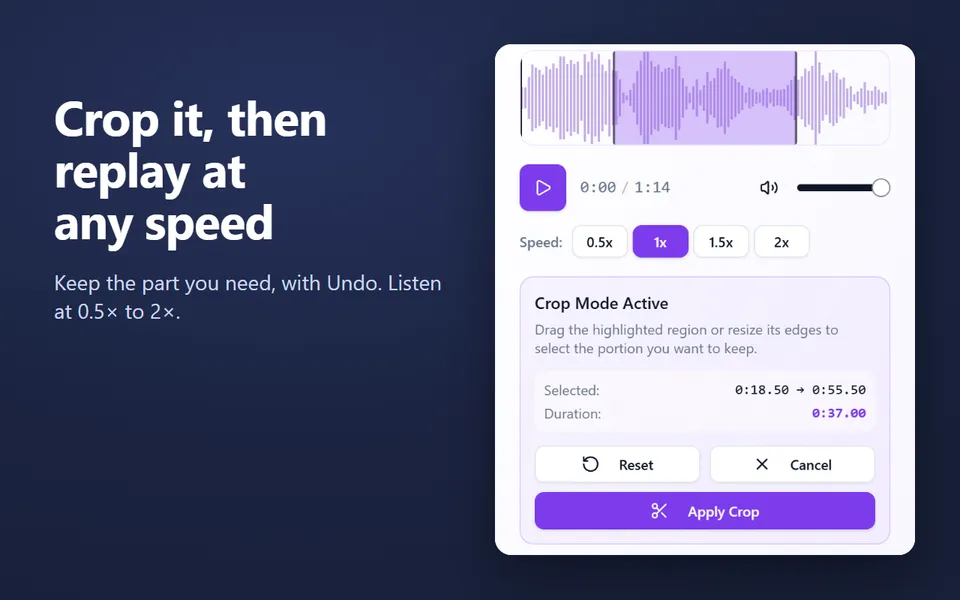
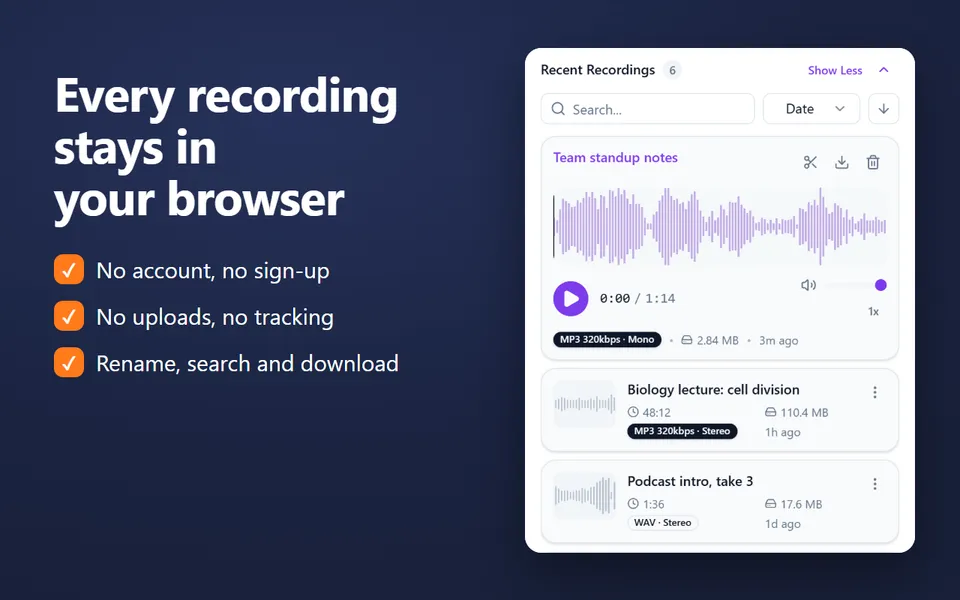
    • A library of your recordings: rename, search, crop, play at 0.5×–2× and download
    • MP3 up to 320 kbps, WAV or WebM, with pause and resume
    • No account. Nothing is uploaded.
    Add the extension to Chrome

    Free · 40,000 users · rated 4.8 in the Chrome Web Store
    For Chrome on Windows, Mac, Linux and Chromebooks.

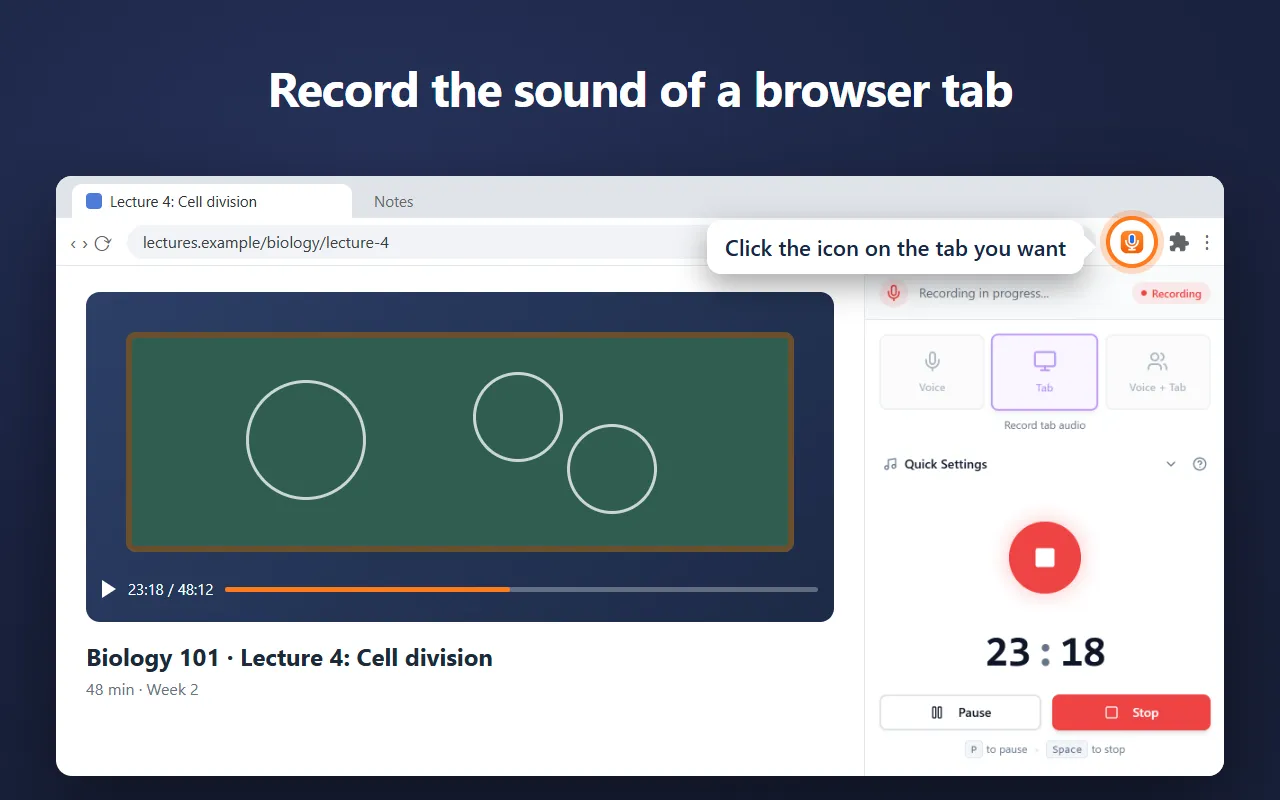
    Voice Recorder in Chrome’s side panel, recording the sound of a lecture in a tab

    How to convert audio files

    1. Choose MP3 or WAV, and for MP3 a quality: 128 kbps for speech, 192 kbps for most music, 320 kbps for the best.
    2. Click Choose files, or drop your files on the box.
    3. Each file converts in your browser, with progress shown next to it. Click Download when it’s done.

    Converters by format

    From To MP3 To WAV
    MP4 video MP4 to MP3 MP4 to WAV
    MOV video MOV to MP3
    Any video Video to MP3
    M4A M4A to MP3 M4A to WAV
    WAV WAV to MP3
    MP3 MP3 to WAV
    OGG OGG to MP3
    FLAC FLAC to MP3
    WebM WebM to MP3
    Opus Opus to MP3
    AAC AAC to MP3

    MP3 or WAV?

    MP3 is small and plays everywhere: about 1.4 MB a minute at 192 kbps. WAV is uncompressed, about 11.5 MB a minute in stereo, and is what editors and samplers prefer. Converting to WAV never adds quality that a compressed original didn’t have.

    Private by design

    The files never leave your device: decoding uses your browser’s own codecs, and the MP3 encoder runs inside the page. To cut a file first, use the audio trimmer.


    Questions and answers

    Which formats can I convert?

    MP3, WAV, M4A, AAC, OGG (Vorbis or Opus), Opus, FLAC and WebM audio, and the sound of MP4, MOV and WebM videos. You can save each as MP3 or WAV.

    Are my files uploaded?

    No. Your browser decodes each file and the page encodes the MP3 or WAV on your device. Nothing leaves your computer.

    Why can’t it open my WMA, AIFF or AMR file?

    Browsers don’t include decoders for those formats, so this page can’t read them.

    Can I convert several files at once?

    Yes. Choose or drop as many as you like; they convert one after another, each with its own Download button.

    More free extensions from our team

    Small tools for Chrome that do one job well.