Audio Trimmer

Cut the part you need from any audio file or video, add a fade, and save it as MP3 or WAV. Free, in your browser, and nothing is uploaded.

or drop it here MP3, WAV, M4A, AAC, OGG, OPUS, FLAC, WebM, and the sound of MP4 or MOV videos

Your files are processed in your browser. Nothing is uploaded.

Voice Recorder for Chrome: record while you work in other tabs

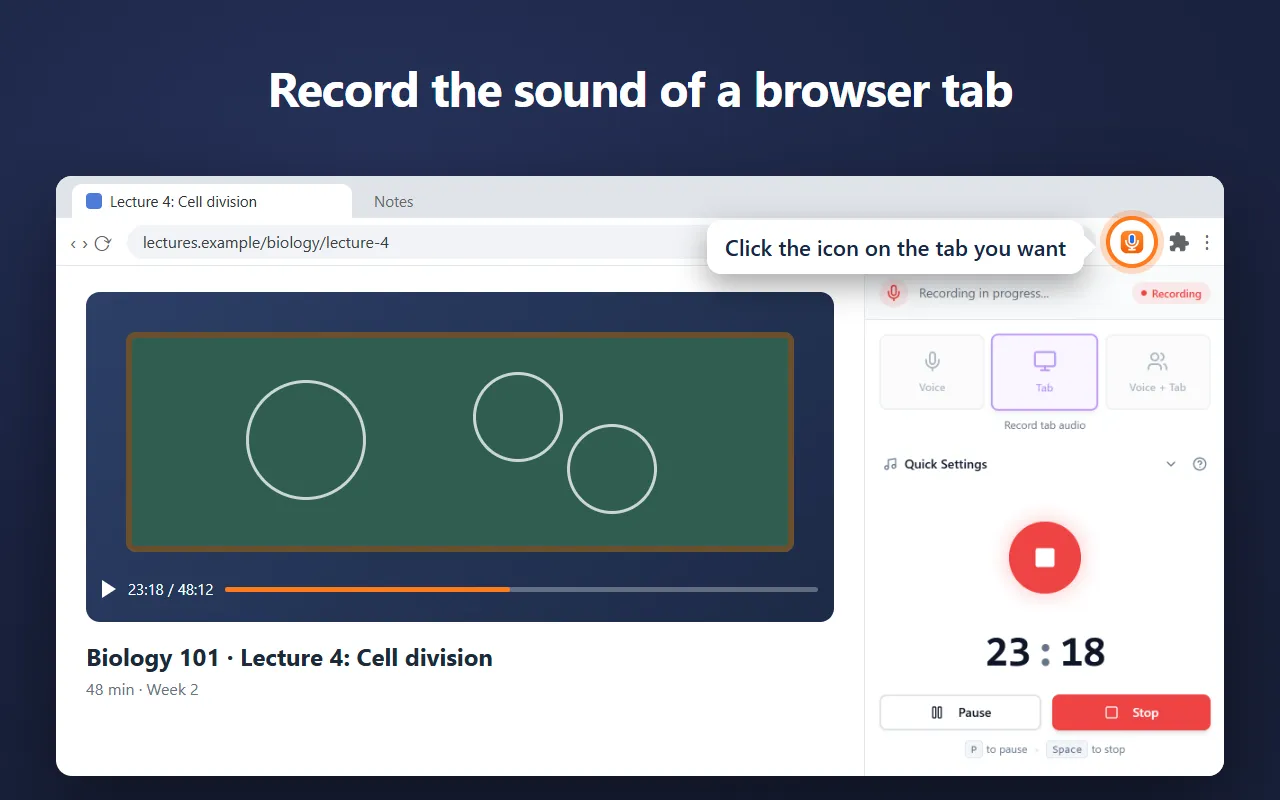
Our free Chrome extension records in Chrome’s side panel, so it keeps going while you work in other tabs. It saves as it records, so a crash or a closed browser loses only the last few seconds.

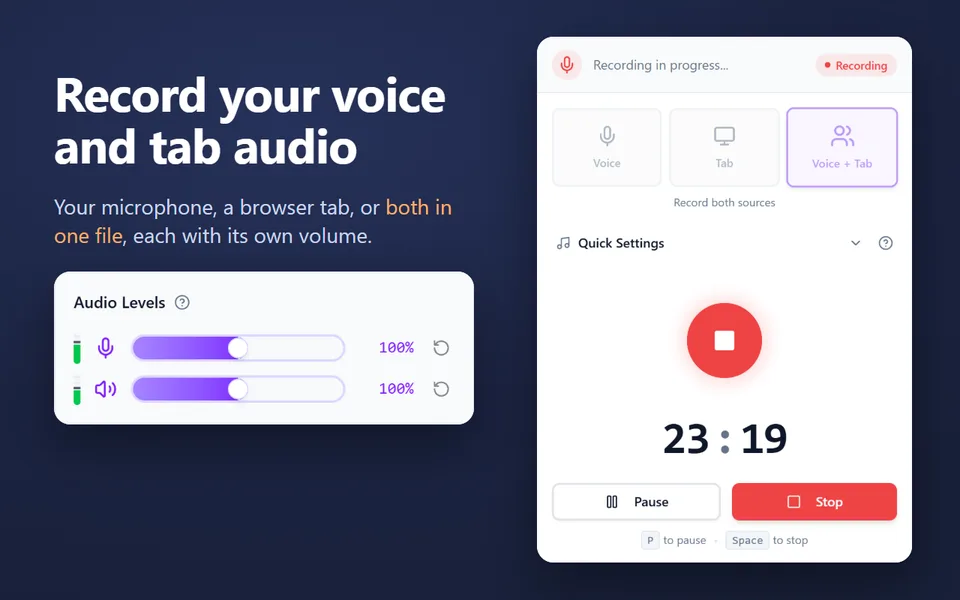
  • Records your microphone, the sound of a browser tab, or both in one file
  • Records your computer’s sound on Windows and macOS 14.2 or later
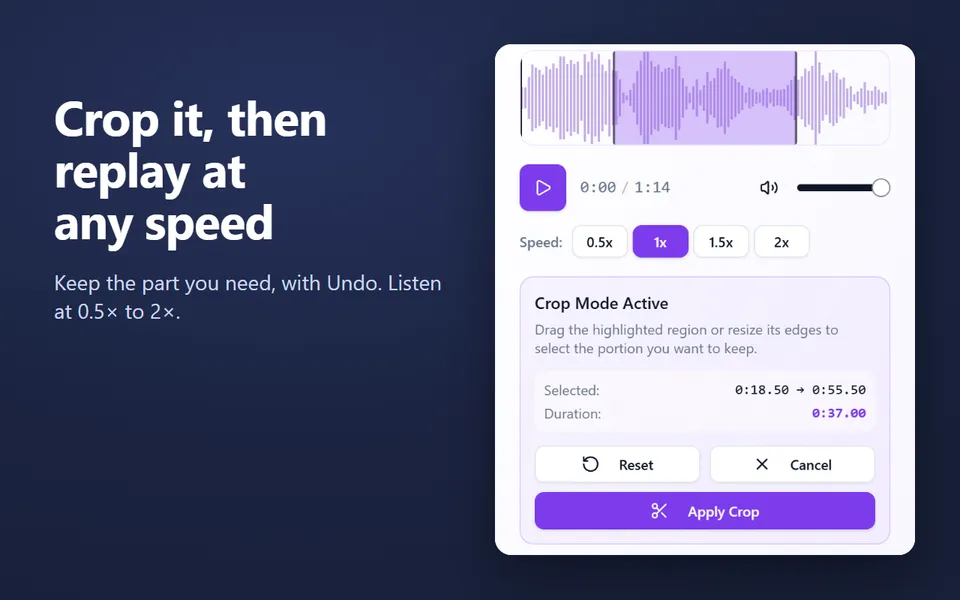
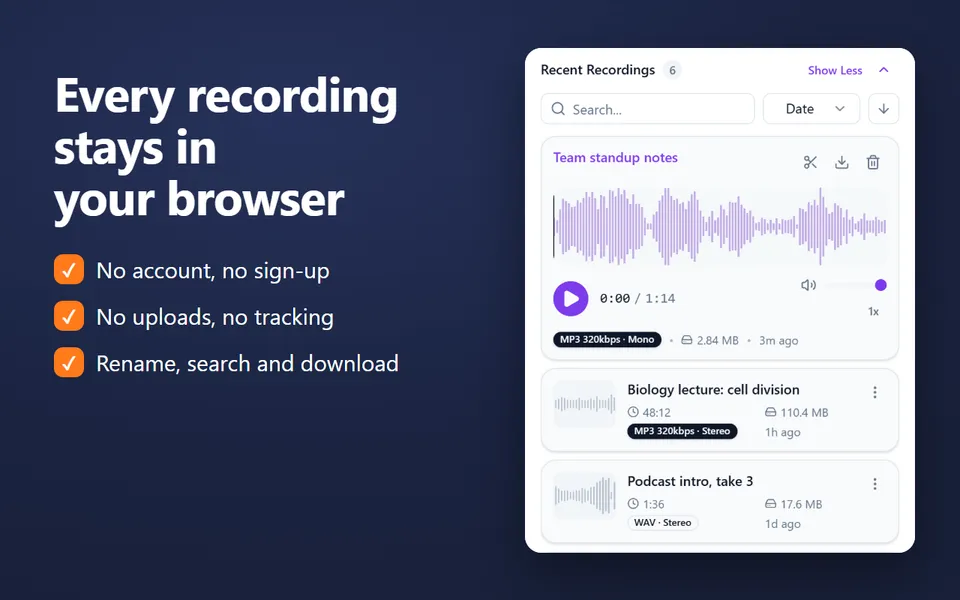
  • A library of your recordings: rename, search, crop, play at 0.5×–2× and download
  • MP3 up to 320 kbps, WAV or WebM, with pause and resume
  • No account. Nothing is uploaded.
Add the extension to Chrome

Free · 40,000 users · rated 4.8 in the Chrome Web Store
For Chrome on Windows, Mac, Linux and Chromebooks.

Voice Recorder in Chrome’s side panel, recording the sound of a lecture in a tab

How to trim audio

  1. Click Choose a file, or drop a file on the box.
  2. Drag across the waveform to select the part you want to keep. Fine-tune it with Start and End.
  3. Press Play to listen to the selection.
  4. Choose MP3 or WAV, turn on Fade in or Fade out if you like, and click Trim and download.

What you can do with it

Trim as you record

The online voice recorder has the same crop after every recording: stop, drag across the waveform, and crop. The Voice Recorder extension does it too, with Undo, for everything in its library.

Convert without cutting

To change a whole file’s format, use the audio converter.

Questions and answers

Which files can I trim?

MP3, WAV, M4A, AAC, OGG, Opus, FLAC and WebM audio, and the sound of MP4, MOV and WebM videos. The result is saved as MP3 or WAV.

Is my file uploaded?

No. The file is opened and cut by your browser on your device. Nothing is sent to a server.

How do I select the exact part?

Drag across the waveform, then fine-tune the Start and End fields to a tenth of a second. Play checks the selection; [ and ] set the start and the end at the playhead.

Can I make a ringtone?

Yes for Android: select up to 30 seconds, turn on Fade in and Fade out, and save as MP3. iPhones need the .m4r format, which this page doesn’t make.

Does trimming lower the quality?

Saving as WAV keeps the sound exactly as decoded. MP3 at 192 or 320 kbps is very close to the original for listening.

More free extensions from our team

Small tools for Chrome that do one job well.